Thursday, November 26, 20263 min read
Not ready for tablets? Print a job sheet instead

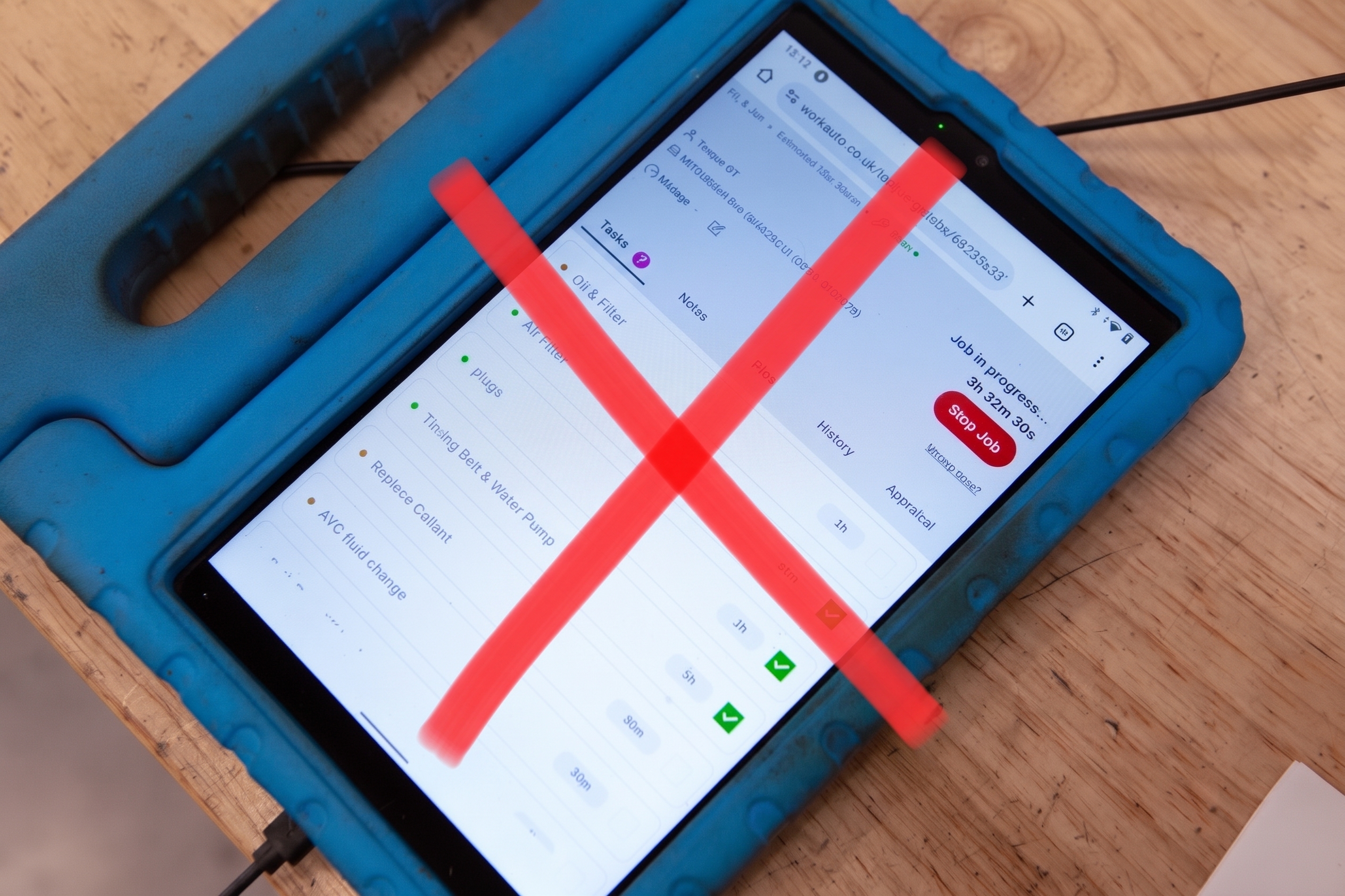
Here's something we hear a lot from garages trying to move towards being digital for the first time.
"The office side looks great. But my guys have worked off paper for twenty years, and I'm not sure they will buy into this!”
Fair enough. Going digital doesn't have to happen all at once, and it's usually the workshop that takes the longest. So we've got a halfway house.
### Print any job as a job sheet
Open a job in workauto and you'll see a new download button in the bottom-left corner of the job window. Click it and you get a clean A4 PDF of the job, ready to print and pop on a clipboard.
Each job sheet includes:
- The job reference, title and booked-in date
- The customer's name and contact details
- The vehicle's make, model, registration and mileage
- The job description
- Every task, with a tick box and the estimated hours
- Any notes already on the job, with who wrote them and when
- A ruled box for the technician's notes, and a space to write down their total time
There are no prices on it, so it's safe to leave lying on the bench. Long jobs carry on over extra pages, and each page repeats the job reference and title at the top so nothing gets mixed up.
How it works day to day
The office books the job in on the planner and adds the tasks, exactly as it does now. Then:
1. Print the job sheet and hand it to the technician with the keys.
2. The technician works from paper. They tick off the tasks, jot down anything they find and write their time at the bottom.
3. The sheet comes back to the office. Tick the tasks off in workauto, add the notes (or just snap a photo of the sheet and attach it to the job) and record the logged time.
4. Invoice it with Copy tasks, the same as any other job.
Your planner, reports and invoices all stay in one place. The only difference is how the job gets to the workshop and back.
A stepping stone, not a destination
We'll be honest: paper is the slow way round. Someone still has to type the notes and time back in, and you won't see a job's progress until the sheet comes back.
That's why we see job sheets as a stepping stone. Start with the office on workauto and the workshop on paper. When you're ready, put one tablet on one bay and let your keenest technician try https://docs.workauto.co.uk/techview-intro/techview-login The jobs are already there, so the switch is just a login.
Once technicians are on TechView, their time, notes and photos land on the job as they go, and nobody has to retype anything at the end of the day.
Get started
Job sheets are available now on every workauto account. Open any job and click the download button in the bottom-left corner.
https://docs.workauto.co.uk/workauto-basics/print-job-sheet
From job to invoice: the full workflow: https://docs.workauto.co.uk/category/workflow-from-job-to-invoice
Not using workauto yet? https://www.workauto.co.uk/register and get the office sorted first. The workshop can follow when it's ready.