Thursday, August 6, 20263 min read
How to Migrate Your Existing Customers to Workauto

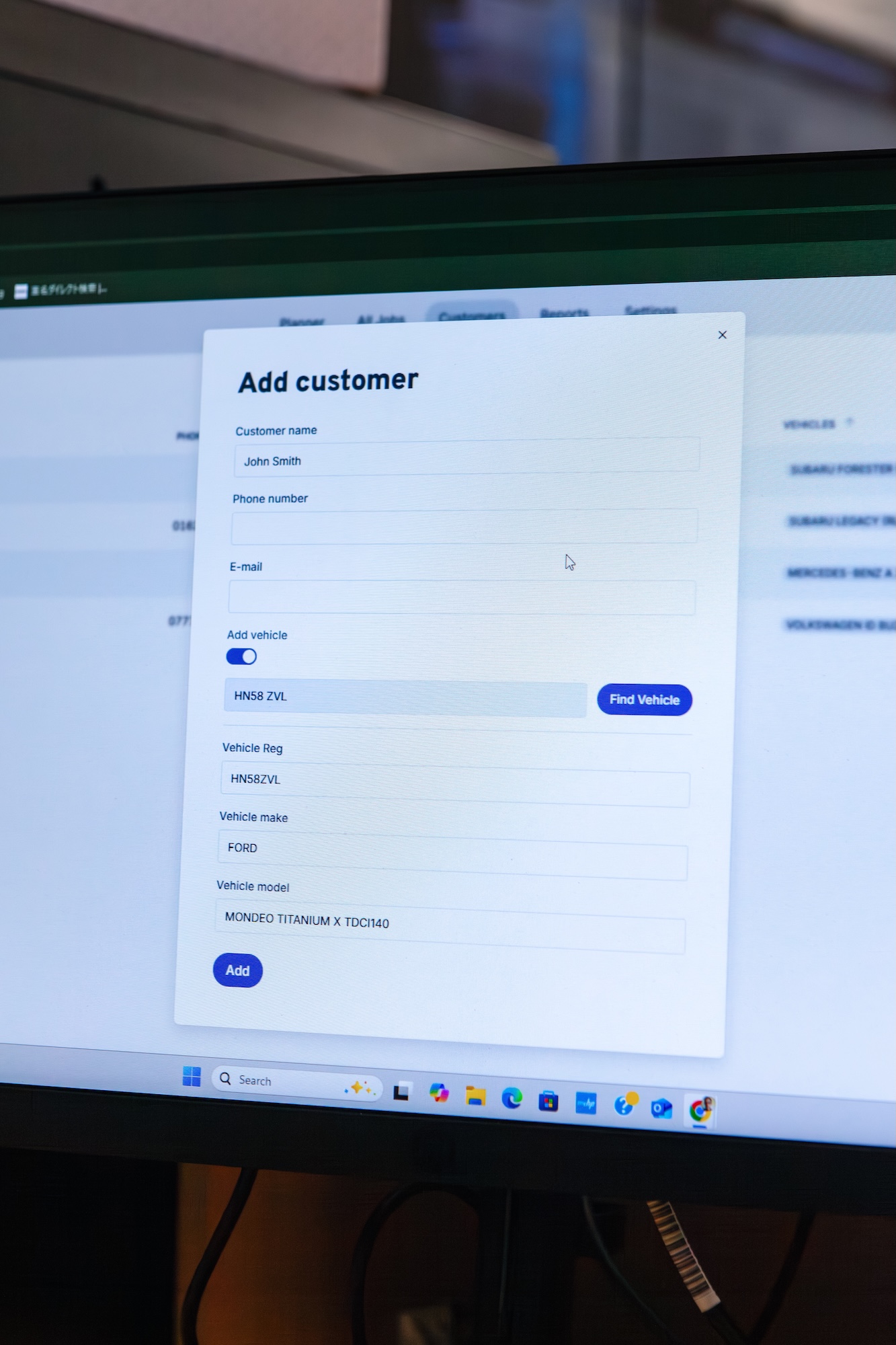
Switching garage software shouldn't mean starting from a blank screen. If you've already got years of customer records and vehicle history sitting in a spreadsheet or another system, the last thing you need is to type it all back in by hand.
That's why migrating your existing data into Workauto is part of getting set up, not something you do after the fact. Your customers and their vehicles come with you, so day one looks like your garage, not an empty database.
Why Data Migration Matters
Manual re-entry isn't just slow. It's where mistakes happen, and it's usually the reason garages put off switching software for months longer than they need to.
Migrating your data instead of re-typing it fixes that at the source:
No re-keying customer and vehicle records. What's already in your old system comes across as-is.
History travels with the record. Vehicle details and customer notes stay attached to the right customer, not lost in the switch.
You're working, not data-entering, from day one. The first session is about running your diary, not typing in three years of customer records first.
Walking Through the Migration Process
Here's what moving your existing data into Workauto looks like:
Export your current data. Most systems allow you to export customer and vehicle records, usually as a spreadsheet or CSV file.
Send it over to our team. Share your export with Workauto, and we'll take it from there rather than asking you to map fields yourself.
We map it to Workauto's structure. Customer records and vehicle details get matched up so nothing sits in the wrong place once it lands.
We import it into your account. Your data appears in Workauto ready to use, searchable by name, reg plate, or vehicle, just like anything added natively.
You check it over. Once it's in, have a look through and flag anything that needs a second pass before you go live.
That's the whole process. No spreadsheet formulas to wrestle with, no manual copy-paste between systems.
What This Means for Your First Week
A garage that migrates its data walks into Workauto with a working customer base from the start. A returning customer's details are already there when you look them up by reg plate, instead of starting that record from scratch.
That matters most in the first few weeks, when you're still getting used to the software. You shouldn't have to relearn your own customer base at the same time as learning a new system.
Built to Fit the Switch You're Already Making
You don't need to clean up or reformat your data before handing it over. Whatever shape it's in, a spreadsheet, an export from another garage system, even a rough CSV, send it across and we'll work with what you've got.
FAQs
What data can be migrated into Workauto? Customer records and vehicle details. Send over what you have and we'll confirm what can be mapped across.
Do I need to format my data before sending it? No. Send it as it is, in whatever export your current system produces, we'll handle the mapping.
How long does migration take? It depends on the size and condition of your data, but normally within a few days.
Will my old system still have my data? Yes. Migration copies your data into Workauto — it doesn't remove anything from your existing system.
Ready to bring your garage's history with you? Request a data migration and start day one with your customers already on file.